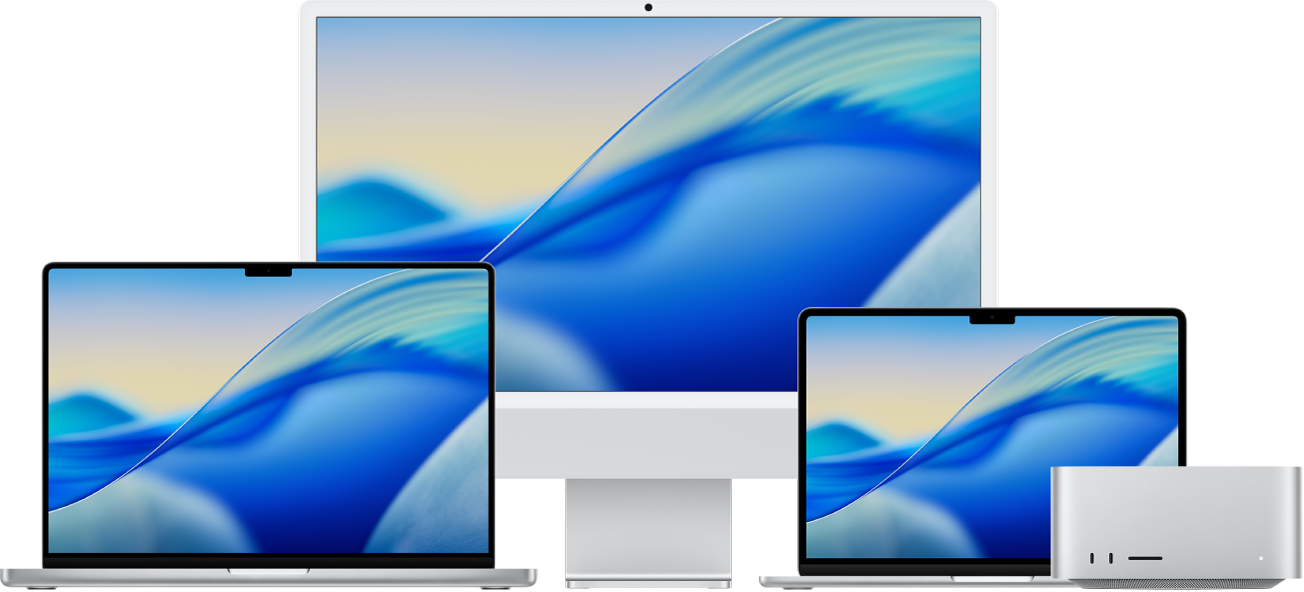
Whether you're switching from Windows, setting up a new device, or looking for helpful resources to share with your team or students — this page brings together Apple's best starting points in one place.
Getting Started
- Apple Guide Get started with your Mac You can set up and start using your new Mac in no time. Choose a wallpaper for your desktop, change common settings, start using apps, and more.
- Apple Guide Switched from Windows to Mac? Your Mac can do everything your Windows system does — and more. If you're not sure what something is called on a Mac, here's a list of Windows and Mac terms to help you find what you're looking for.
- Apple Guide What's it called on my Mac? If you're not sure what something is called on a Mac, here's a list of Windows and Mac terms to help you find what you're looking for.
- Apple Guide Mac keyboard shortcuts By pressing certain key combinations, you can take actions that normally require a mouse or trackpad. Every app can have its own shortcuts, and shortcuts that work in one app might not work in another.
For Education
- Apple Education Mac Starter Guide for Education Mac gives you all the tools you need for teaching and learning. In this guide, you'll learn about navigating and customizing your Mac and built-in features for productivity. If you already use iPhone or iPad, you'll see many of the same apps and controls on your Mac — so you can work seamlessly across all your Apple devices. (PDF)
- Apple Education Apple at Work Skills Series — Powerful skills. Effortlessly learned. Whether new to Mac, experienced, or supporting others, this training helps you get started and takes you even further. Expert tips to help you work efficiently and confidently — follow along on your Mac for the best experience.
Accessibility
- Accessibility Apple Accessibility Features Apple builds accessibility into every product — including features for vision, hearing, mobility, speech, and cognitive needs. Explore what's available across Mac, iPhone, iPad, and more.
Video Resources
- YouTube Apple Support — YouTube Channel Tips and how-tos — straight from Apple.
- YouTube Playlist Apple Support — Mac Get the most from your Mac. Learn how to keep macOS up to date, explore the latest features, and find out how to customize them to work best for you.
- YouTube Playlist College Essentials — Apple Support Scan text into Notes. Multitask with Split View. Set a custom Focus. Discover tips for staying productive in college with Mac, iPad, and iPhone.
Get Help
- Apple Support Get Support from Apple Contact Apple Support directly — find answers, schedule a repair, or connect with an Apple Specialist for help with any Apple product.
Have a suggestion for this page? Tim David.