Apple Higher Education IT — Special Edition
WWDC26 for Higher Education IT
June 2026
🌟 WWDC26 Highlights
What Apple Announced This Week
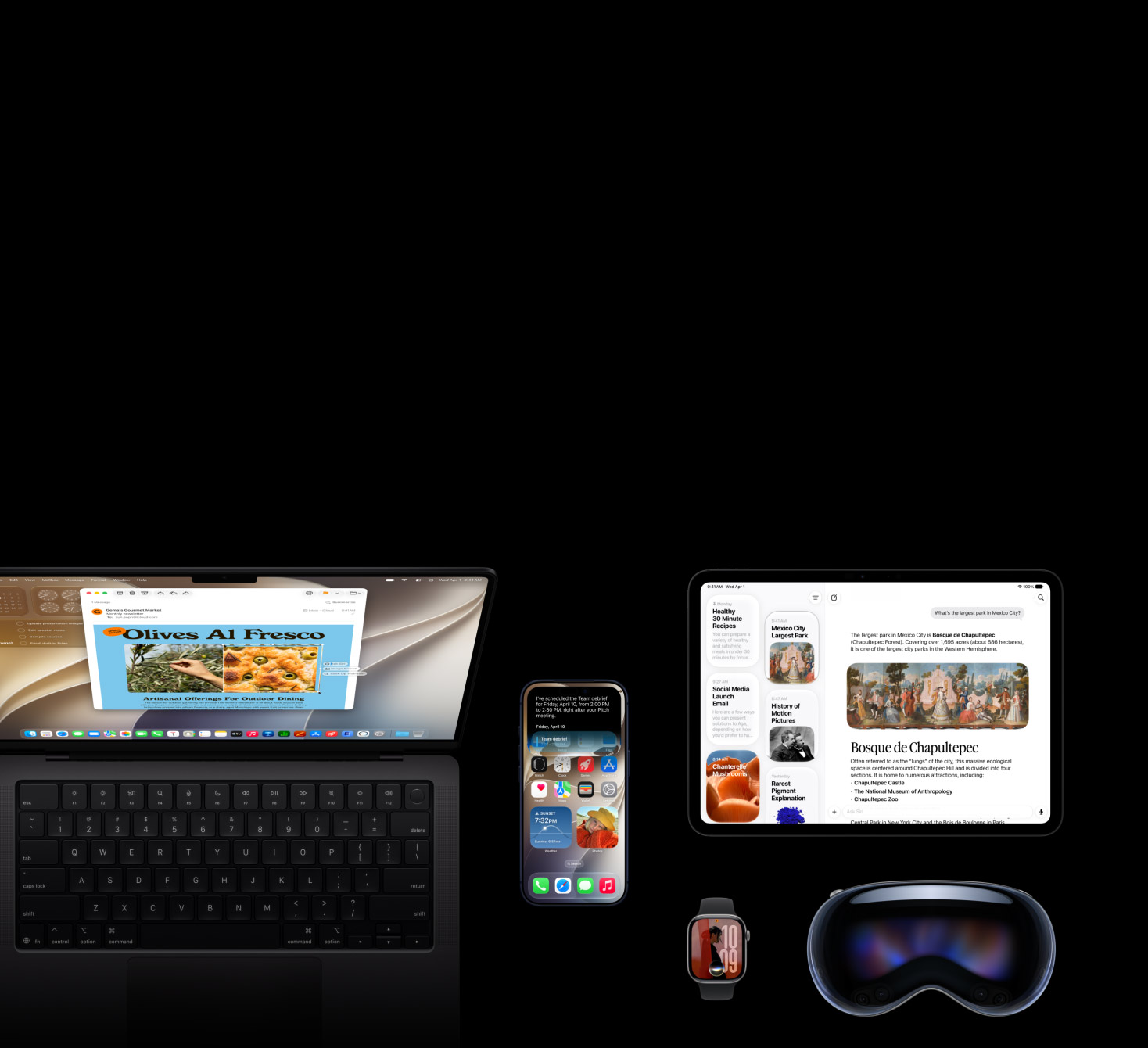
At WWDC26, Apple unveiled the next generation of Apple Intelligence, Siri AI, and powerful new parental controls — including a new child safety site with tools that give parents greater control over their kids' content, communication, and device access time — along with new capabilities for developers, expanded App Store options, and innovative features across Maps, Find My, and Apple Wallet.
Need just the highlights?
Greg "Joz" Joswiak covers it in 90 seconds.
For context on how Siri AI integrates with Google search in iOS 27 — and what that means for privacy — Craig Federighi shared additional detail after the keynote. Useful context for IT teams advising faculty and students on the new Siri capabilities.
Watch the Keynote
Apple Developer Apple Developer with ASL
YouTube YouTube with ASL & Audio Descriptions
Watch Platforms State of the Union
Apple Developer Apple Developer with ASL
Back to top⚠️ Action Suggested
Two Items to Address Before Fall Deployment
Intel Mac Transition Planning
macOS 26 is the last macOS release with full support for Intel-based Mac computers. All Mac computers with macOS 26.4 or later display a notification to transparently inform users about the deprecation when an application using Rosetta launches.
Apple will continue providing software security updates for Intel-based Mac computers for three years. Read more
Legacy Software Update Management Removed in OS 27
Announced last year, legacy software update management no longer functions in all 27.0 operating systems. IT teams should use declarative software update management to configure and enforce updates on devices with increased user transparency and more control. Read more
What's New for IT at WWDC26
Your Starting Point for Everything IT-Related
Intro to What's New for IT at WWDC26
Apple has published a comprehensive summary of new device management-related features in Apple platforms, services, and apps. It's a supplement to the Apple Platform Deployment, Apple Platform Security, and Apple Platform Certifications documentation, which are designed to help IT teams understand the key technologies for securing, managing, and deploying Apple devices at scale, and providing an optimal user experience.
This content covers updates to:
For more information about content in this document, see the WWDC26 session What's New in Managing Apple Devices.
Back to topApple Services Updates
Apple Business Manager & Apple School Manager
Volume Purchase App Subscriptions
Later this year, a new volume licensing mechanism will be available for subscriptions in App Store apps. This allows IT teams to purchase and manage app subscriptions in Apple School Manager and Apple Business Manager. IT teams can assign app subscriptions to users (not devices) using device management. Developers can manage availability of subscriptions available to organizations in Apple School Manager and Apple Business Manager.
Note: This feature is for app subscriptions that auto-renew only, not one-time in-app purchases. For more information, see the WWDC26 session Offer Subscriptions to Groups and Organizations.
Additional Device Details for Device Management Services
With X-Server-Protocol-Version 10, a device management service can retrieve additional details about devices registered in Apple School Manager or Apple Business Manager — including Wi-Fi and Bluetooth MAC addresses, EID, IMEI, MEID for cellular devices, and whether a device is a replacement. A new GetReplacementDetails endpoint provides further information for replacement devices. Full details
Back to topDevice Management Updates
New in MDM and Declarative Device Management
OS 27 brings a significant set of updates to device management. Key items for higher ed IT teams:
Configuration Profiles as Declarative Assets
Configuration profiles can now be used as declarative assets, bringing the benefits of DDM — continuous enforcement, status reporting, and reduced reliance on MDM check-ins — to existing profile-based workflows.
Network Security Requirements
OS 27 introduces stricter network security requirements for MDM connections, Automated Device Enrollment, configuration profile installation, app installation, and software updates. This is the requirement we've been flagging in previous editions. If your environment hasn't been audited yet, prioritize this before beta testing begins. Prepare your network environment
Also New in Device Management
- Status reporting enhancements — expanded device-state visibility for MDM solutions
- Managed Migration Assistant — updated management capabilities for device-to-device migrations
- Intelligence, Siri, and keyboard management — new restrictions for managing AI features across managed devices
- Web content filter plugin configuration — new options for managed content filtering
- Content caching configuration — additional controls for campus content caching deployments
- AppleCare log collection — streamlined diagnostic log collection for managed devices
- Return to Service enhancements — improvements to the automated device re-enrollment workflow
- File Provider management — new management options for cloud storage integrations
Full device management updates · DDM schema — OS 27 seed on GitHub
Back to topApp Management Updates
New in App Management
Also New in App Management
- Management for launching apps and binaries — new controls for restricting which apps and processes can run on managed devices
- Privacy consent updates — updated privacy prompts and consent workflows for managed app deployments
- ManagedApp framework on macOS — expanded managed app capabilities now available on macOS
- App Attest on macOS — Secure Enclave-based app integrity validation now available on Mac
Identity Integration Updates
Platform SSO, FileVault, and Authenticated Guest Mode
OS 27 brings meaningful improvements for campuses using Platform SSO with Entra, Okta, or other identity providers.
FileVault for Authenticated Guest Mode
On a shared Mac with macOS 27, FileVault now supports Authenticated Guest Mode. This allows temporary, IdP-authenticated users to unlock FileVault and access the Mac, supporting shared Mac deployments where compliance requires full-disk encryption.
Web-Based Authentication with Platform SSO
On a Mac with macOS 27, IT teams can deploy modern, phishing-resistant, and flexible authentication methods with web-based authentication. The web view supports multi-step and multi-factor authentication flows as well as QR code sign-in.
Login Window Network Access on macOS
On a supervised Mac with macOS 27, IT teams can allow users to connect a different network and authenticate with captive portals at FileVault unlock, at the Lock Screen, and the login window.
Touch ID Required for Platform SSO
On a supervised Mac with macOS 27, organizations can require Touch ID — or alternatively Apple Watch unlock — as an additional factor at every critical macOS authentication entry point to help deliver phishing-resistant biometric multi-factor authentication without additional infrastructure.
Extensible SSO in Declarative Device Management
On devices with iOS 27, iPadOS 27, macOS 27, and visionOS 27, a new com.apple.configuration.extensible-sso configuration brings Extensible SSO and Platform SSO settings to declarative device management.
Authenticated Guest Mode for Shared iPad
Later this year, Authenticated Guest Mode will be available on Shared iPad, supporting temporary sessions after authenticating with a Managed Apple Account.
Full identity integration updates · Platform SSO for macOS guide · Session 206 — What's New in Managing Apple Devices
Back to topEducation-Specific Updates
Classroom, Guided Browsing, and Assessment
Guided Browsing and Lock to URL
In a new version of the Classroom app on devices with iPadOS 27 and macOS 27, instructors can lock student devices to one or more specific websites — a significant upgrade from the previous single-URL limitation. This expands practical use cases for course-specific browser sessions, lab environments, and proctored browsing during assessments.
Multi-App Mode
A new version of the Classroom app will allow instructors to lock student iPad and Mac devices to one or more apps — giving instructors finer control over the student experience during class without requiring full Guided Access.
Assessment Mode on macOS
On a Mac with macOS 27, developers can now adopt a flexible, granular version of Automatic Assessment Configuration on Mac to create a secure, configurable testing environment that incorporates more system-level features on the Mac, including the Dock and Menu Bar. In addition, built-in system pre-checks and accessibility controls deliver a reliable exam experience.
Full education-specific updates · Session 230: What's New in Assessment on macOS
Back to top🧪 AppleSeed for IT
Start Testing Beta 1 Now
Beta 1 of iOS 27, iPadOS 27, macOS 27, watchOS 27, and visionOS 27 are available now. Log in to AppleSeed for IT to review the latest program guide and release notes, enroll your test devices, and start evaluating new management features in your own environment.
Apple needs feedback from IT administrators starting with the very first beta — the earlier your institution engages, the more influence you have on the final release. If your team hasn't set up AppleSeed for IT yet, now is the time.
Get started with AppleSeed for ITApple Security Research
Expanding Private Cloud Compute
Alongside the next generation of Apple Intelligence, Apple is expanding Private Cloud Compute (PCC) beyond Apple's data centers. When Apple introduced Private Cloud Compute in 2024, it defined a new frontier for private AI inference, extending the security and privacy of Apple devices into the cloud for those AI workloads more complex than on-device models can handle. Now, Apple is collaborating with Google and NVIDIA to run new Apple Intelligence workloads on Google Cloud, extending industry-leading PCC privacy commitments to third-party data centers for the first time.
Published June 8, 2026 · Apple Security Research Blog
Back to topExplore WWDC26
Sessions, Documentation & Developer Resources
All WWDC26 sessions are now available on demand. For IT administrators and education technology teams, the Business & Education sessions hub surfaces the most relevant content in one place.
- All sessions — Browse the full WWDC26 session catalog
- Developer Documentation — Updated frameworks, APIs, and platform guides
- Developer Forums — Ask questions and connect with Apple engineers
- Apple Developer app — Watch sessions and access documentation on iPhone, iPad, or Apple TV
- WWDC26 overview — Everything from the week in one place
- OS 27 overview — iOS 27, iPadOS 27, macOS 27, watchOS 27, and visionOS 27 coming this fall — be sure to check compatible device lists for each platform
Contact